🤝 Sharing
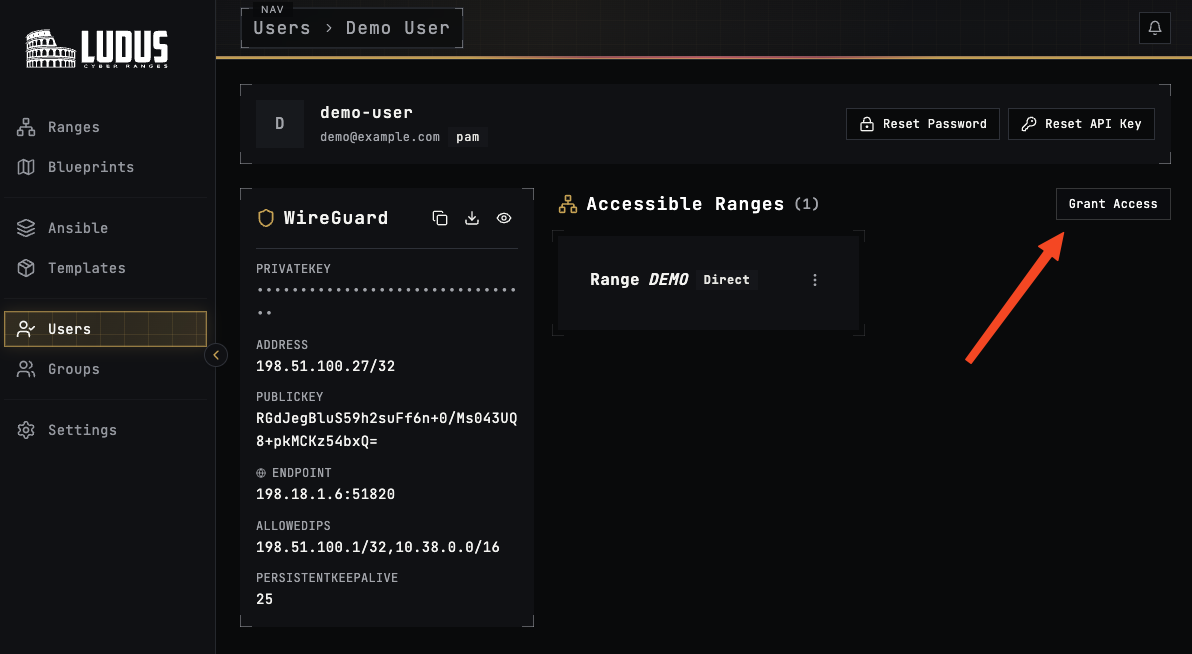
Ranges can be shared between users in two ways, either with direct access (assigned to the user by an admin) or as a result of group access (range and user assigned to group by group manager or admin).
Direct Access
The simplest way to give a user access to a range is by assigning direct access.
ludus range assign DU DEMO
This command will take little time to run, as it has to adjust the range router of the target range.
Group Access
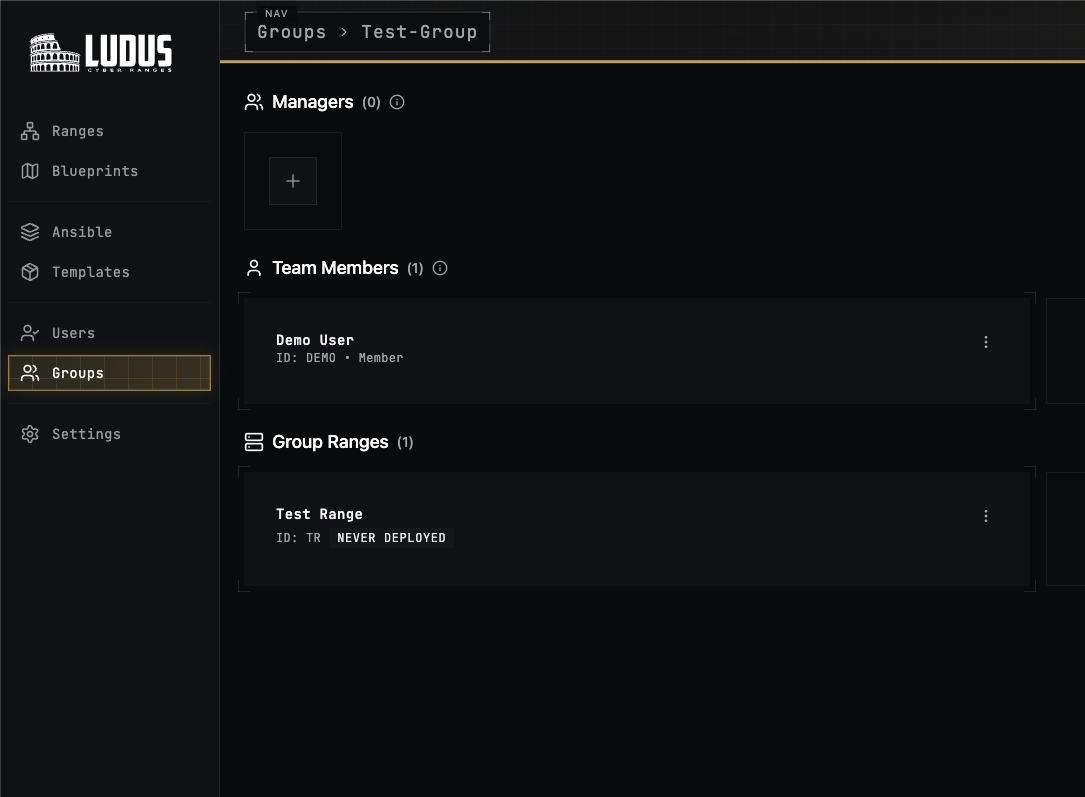
You can add the user to a group that has access to the range to grant them access to the range.
ludus group create Test-Group
[INFO]  Group 'Test-Group' created successfully
ludus group add user DU Test-Group
[INFO]  Successfully added 1 user(s): [DU]
ludus group add range DEMO Test-Group
[INFO]  Successfully granted access to 1 range(s): [DEMO]