Hyper-V
VM Setup
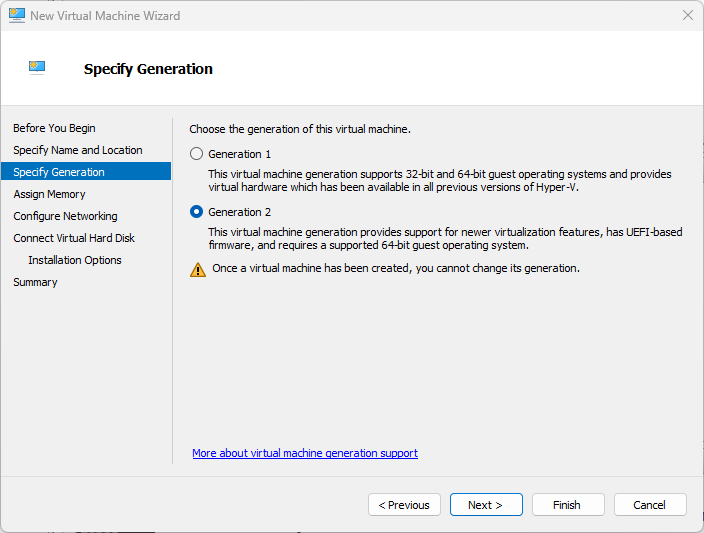
- Create a Generation 2 VM with typical settings.
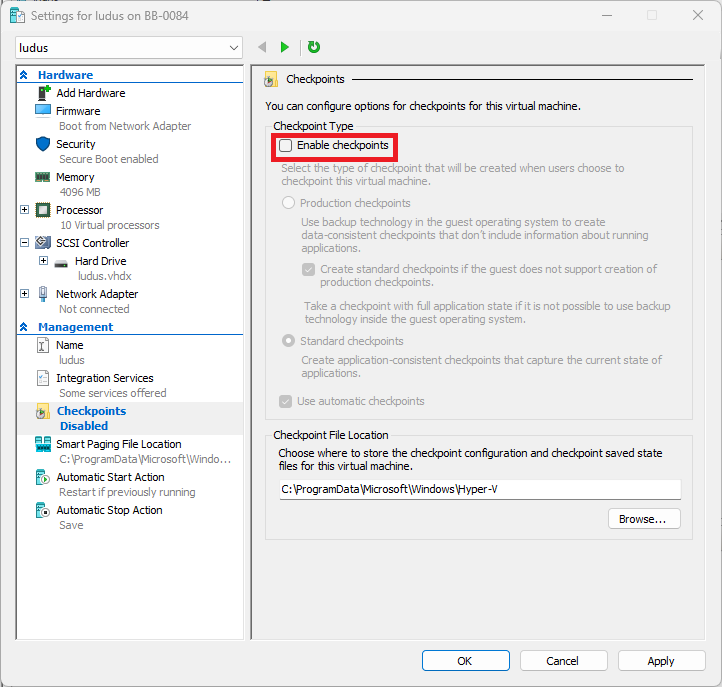
- Before booting the VM for the first time, disable
Checkpointsin VM Settings.
- If your host in a server edition of windows, run the following powershell
Set-VMProcessor -VMName <Ludus VM Name> -ExposeVirtualizationExtensions $true
- Boot the VM and install Debian 12/13.
Install
- Follow Install Ludus